Two photos on every order.
Picked items, then the sealed box with its label. Both stay on the order.
 1Pick2:14 PM
 2Sealed2:32 PM
Pick + pack for live sellers
One system, from the live show to the door. Scan, photo, ship, with proof on every order.
Sell it live, with no sticker on it. It goes to the sold table and the assistant stickers it.
Scan the USPS label, scan each item’s sticker, take one photo.
Scan the label. The whole order pops up with the pick photo.
One photo of the sealed box, saved with the order.
Ship it. Your show board updates live.
Runs as a loop · stats update every order
Stream Desk · pick + pack for live sellers
Illustrative animation
01 · The show
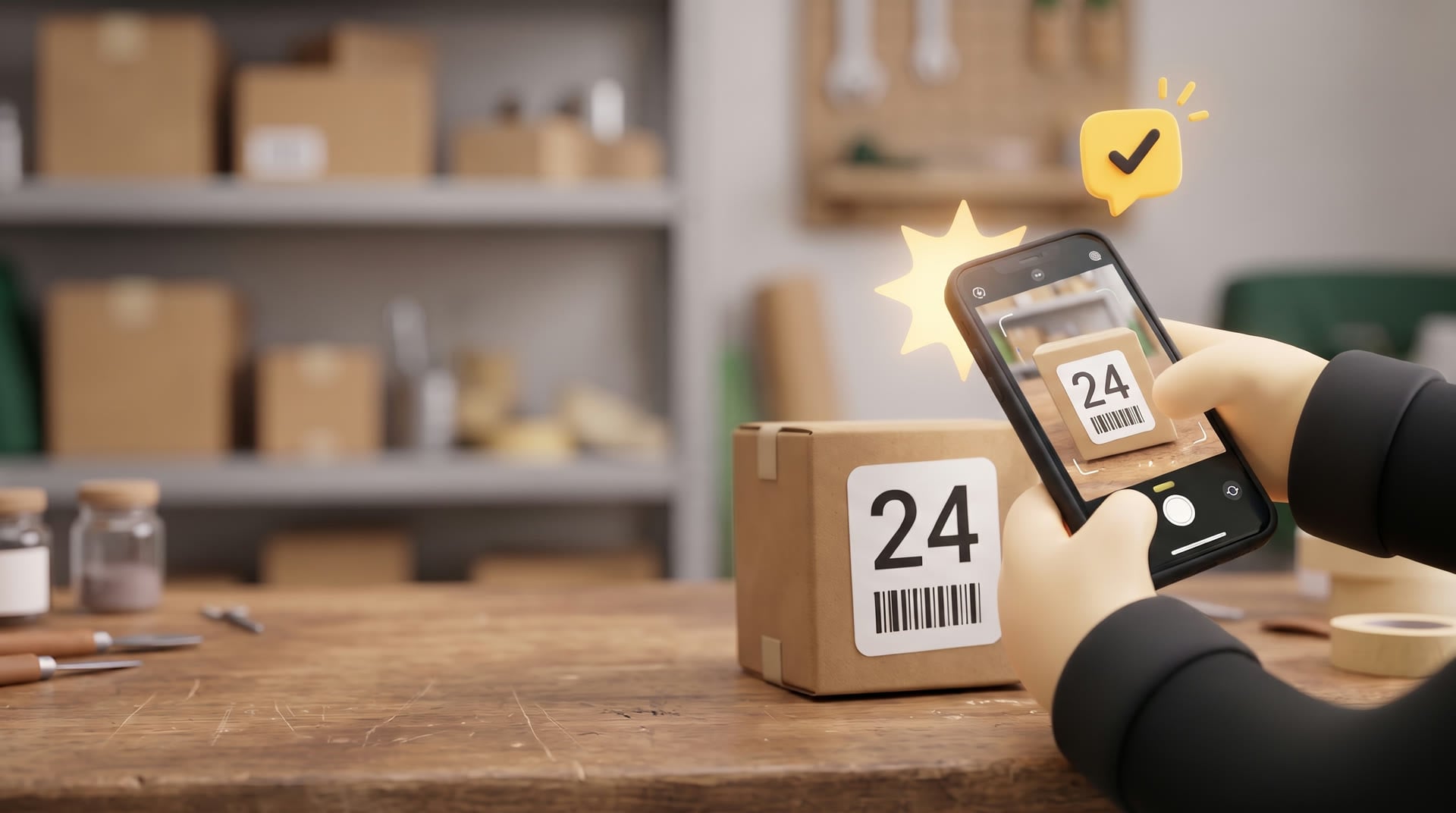
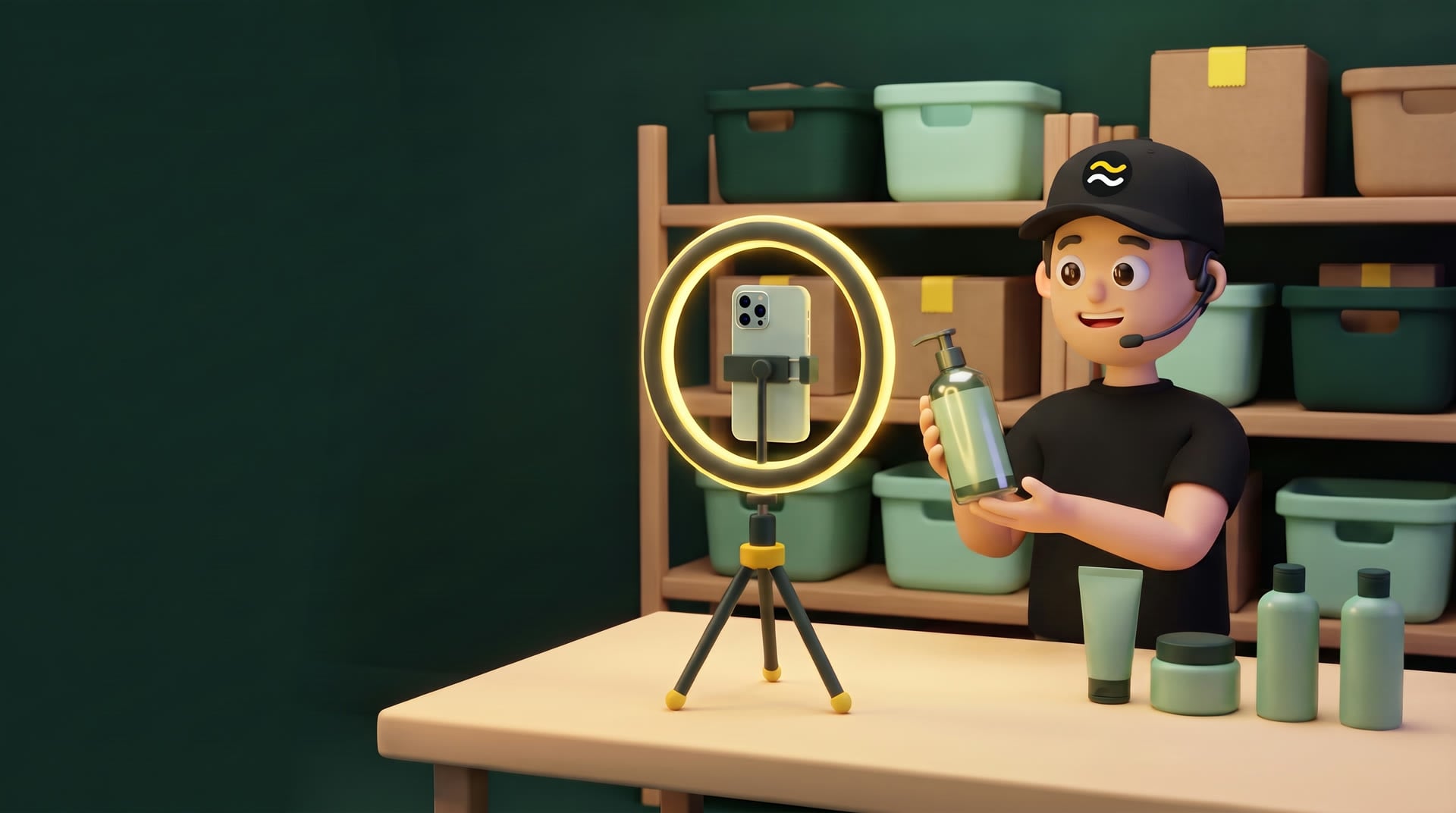
Show the product live, no sticker on it. When it sells, it goes on the sold table and the stream assistant puts its numbered sticker on.
02 · Pick
Scan.
Match it.
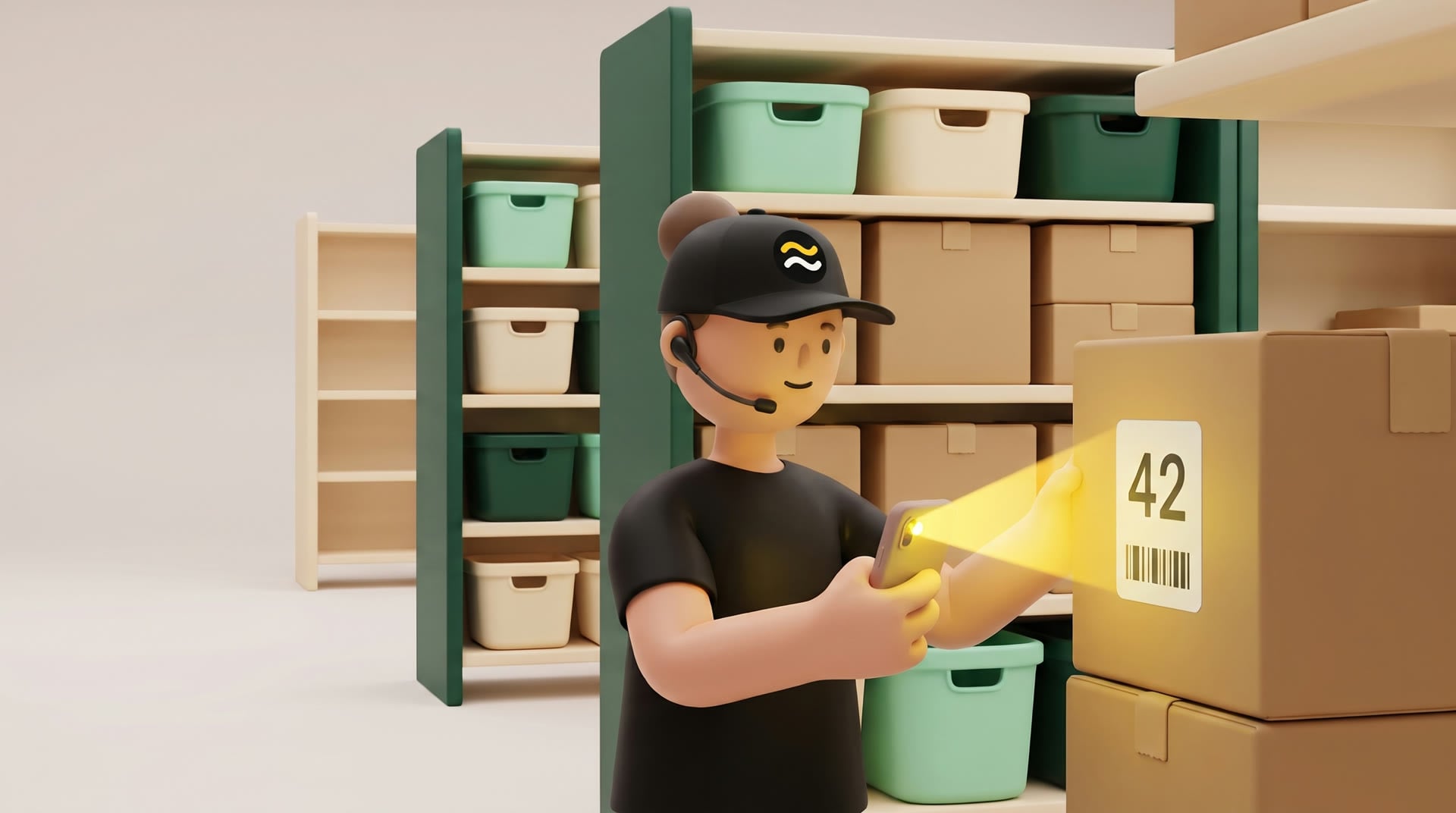
The picker scans the shipping label, then scans each item’s sticker to match it to that order. One photo, and it goes to packing.
03 · Pack
Scan.
It opens.
The packer scans the shipping label. The whole order pops up with the pick photo, so it’s checked before it’s packed.
04 · Proof
One photo.
Proof.
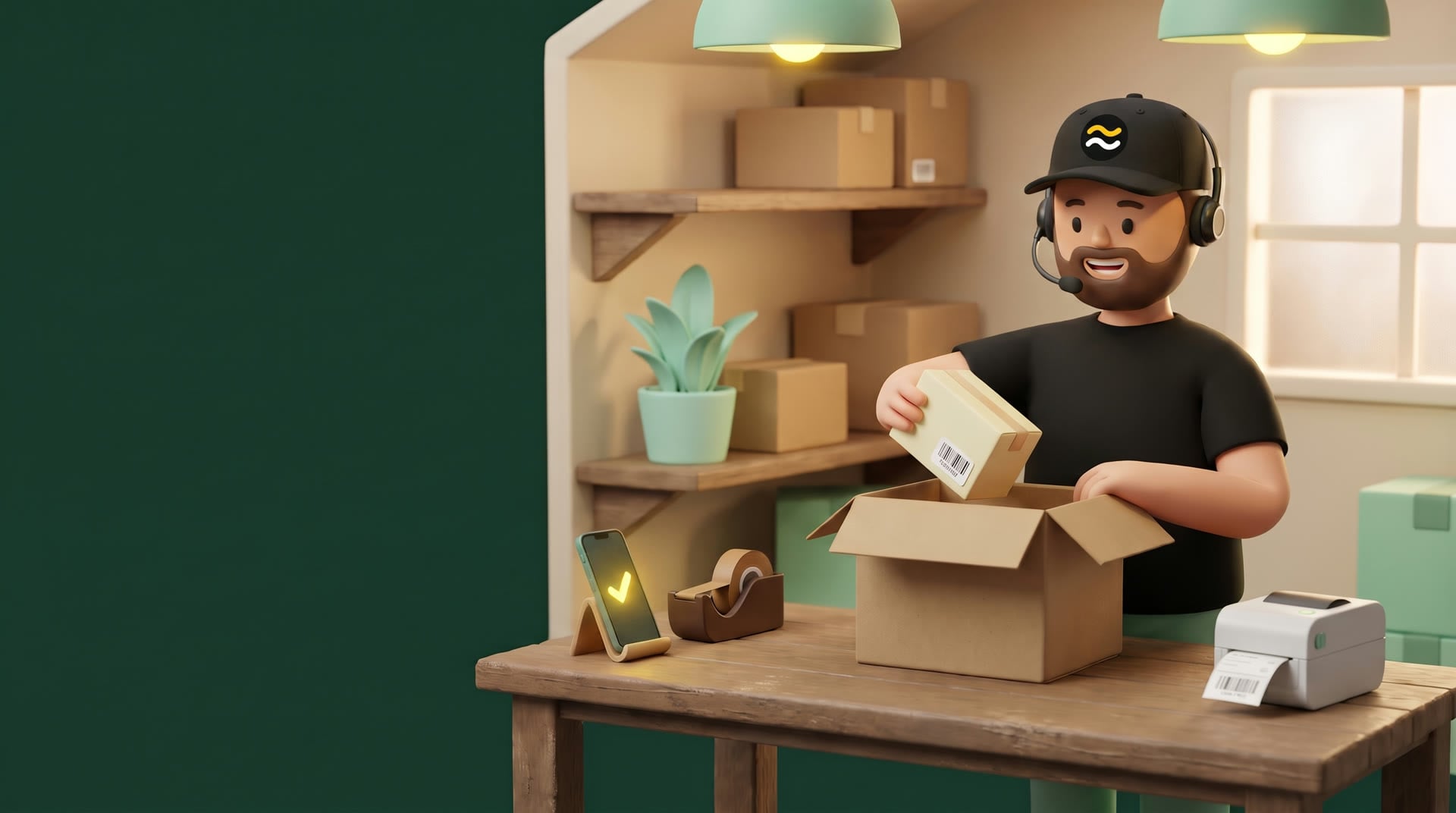
Packed and sealed, then one photo of the box. It’s saved with the order, the time and who did it.
05 · Ship
Out the
door.
Out the door. Right items, right box, with proof for every order.
Print numbered stickers
Sell it live, no sticker
Sold: onto the side table
Assistant puts its sticker on
Sales report import
Matched by sticker
Every order, one list
Missing items
Scan the shipping labelUSPS
Scan each item’s sticker
Pick photo
Sent to packing
Scan the shipping labelUSPS
Order pops up + pick photo
Check it, pack it
Sealed-box photo, ship it
Show progress
Pack time
Speed per person
Review queue
$ streamdesk status --show nov-11
orders imported   468
picked            451
packed            440
photos saved      891
mix-ups           0
waiting on you    2
Wrong item scanned
Photo looks reused
Item missing
Order packed too fast
Everything in one place.
Pick + packfor live sellers
From the end of your live show to a packed, photographed box. Every item scanned. Every order proven.
Before the show, print your numbers.
Print the numbered stickers you need for the show. Each item sells under its own number.
The show ends. Drop in the sales report.
Every order lands in the system at once, matched to the sticker numbers you printed.
See every order and where it stands.
New, picking, picked, packed. Filter by show or search by sticker.
Every item carries a numbered sticker.
Scan it and the right order opens. No typing, no guessing between look-alike items.
Scan each item. Then one photo of the pick.
The photo is saved to the order with the time and the picker's name.
Check, seal, photograph, scan the label.
The packer sees the picker's photo first. The sealed box gets its own photo.
Know where every show stands.
Picked, boxed and packed counts update as the team works.
Example data
Works with WhatnotTikTok ShopRuns on any phoneEnglish + Español
Trusted by live sellers
Shows that pick, pack and ship with Stream Desk.
Watch it work
Print your numbers for the show.
It sells. The assistant puts its sticker on.
Stickered items wait on the shelf.
Scan the label, then each item.
The order goes into the box.
Seal it, label it, scan the label.
Packed, with proof saved.
Forty mystery lots in one night, all in the same bags. A numbered sticker on each one means the picker scans it and stops guessing.
"My order was missing an item." Open the order and see the photo of what was picked and the photo of the sealed box.
The app records who picked, who packed and how long it took, and sends anything unusual to a manager for review.
How it works
Five steps, all on the phone your team already carries.
Print the numbered sticker sets you need before the show. When an item sells live, the streamer sets it on the sold table and the stream assistant puts its numbered sticker on. Each sticker carries a barcode that ties the item to its sale.
No typing and no searching a list. Then each item’s sticker is scanned to match it to that order, so the wrong item can’t be ticked off by hand.
The picker takes one photo of the items together before the order moves on. It is saved to the order with the time and their name.
The packer sees the picker's photo, checks each item, then photographs the sealed box with its shipping label and scans that label to finish.
Every order keeps its scans, both photos, who handled it and when. Search it later by buyer, order number or tracking.
On the floor
We run our own live-selling warehouse on Stream Desk every day. Every feature here exists because something went wrong without it.
Make a set for each seller or show. The app prints the sheet and knows which sticker belongs to which sale line.
Pickers can't tap "got it" on a stickered line. A scanner or the phone camera reads the barcode, and a stray sticker tells you which order it belongs to.
Tap to tick: off✓SD-042 scanned · matched to order 1433-7714Picked items, then the sealed box with its label. Both stay on the order.
1Pick2:14 PM2Sealed2:32 PMMissing sticker or a bypass takes a manager's PIN, a reason and a photo.
Overrides and random packs land in a review queue with their photos.
Pickers mark an item missing. When it turns up, "Found it" sends it back to its order.
The whole app switches per user.
Presets for each role, with per-person changes when you need them.
Statistics
Each show moves through picked, boxed and packed. You see the count live, without asking anyone.
Orders · average pack time
Orders per hour and average time for each picker and packer.
Every packed order by day or by packer, with its photos.
Orders that are running late show up before the buyer writes in.
Every PIN approval and bypass, with who approved it and why.
Plans
The core product covers the floor. Everything around it is an add-on you can switch on later.
Send us one sales report from a past show. We'll load it and walk you through picking and packing it, start to finish.